01 · Agenda
Everything coming up, already organized.
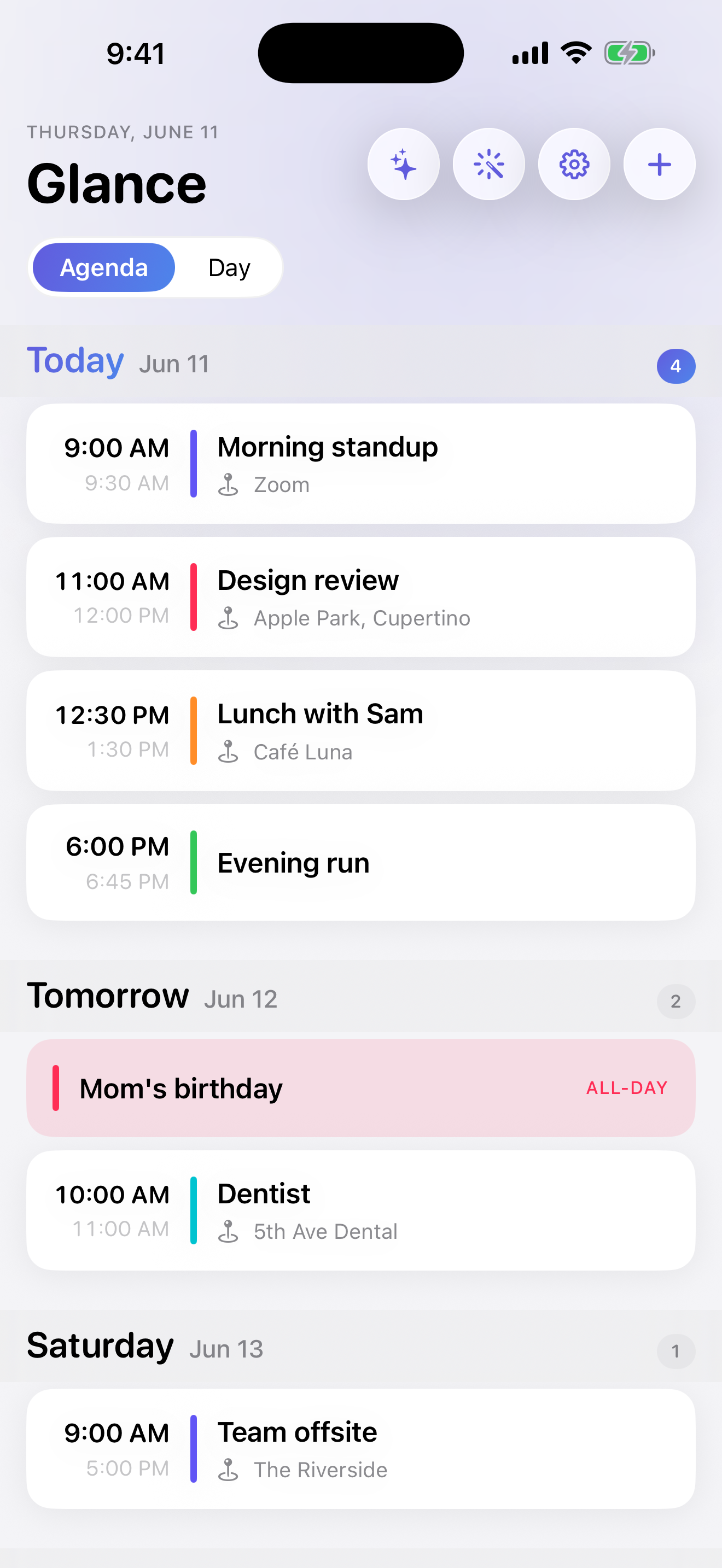
The agenda groups today, tomorrow, and the days ahead into one calm sequence. Color, time, location, and calendar source stay visible without turning the screen into a grid.
Grouped agendaCalendar colorsAt-a-glance detail
02 · Day timeline
See exactly where the day opens up.
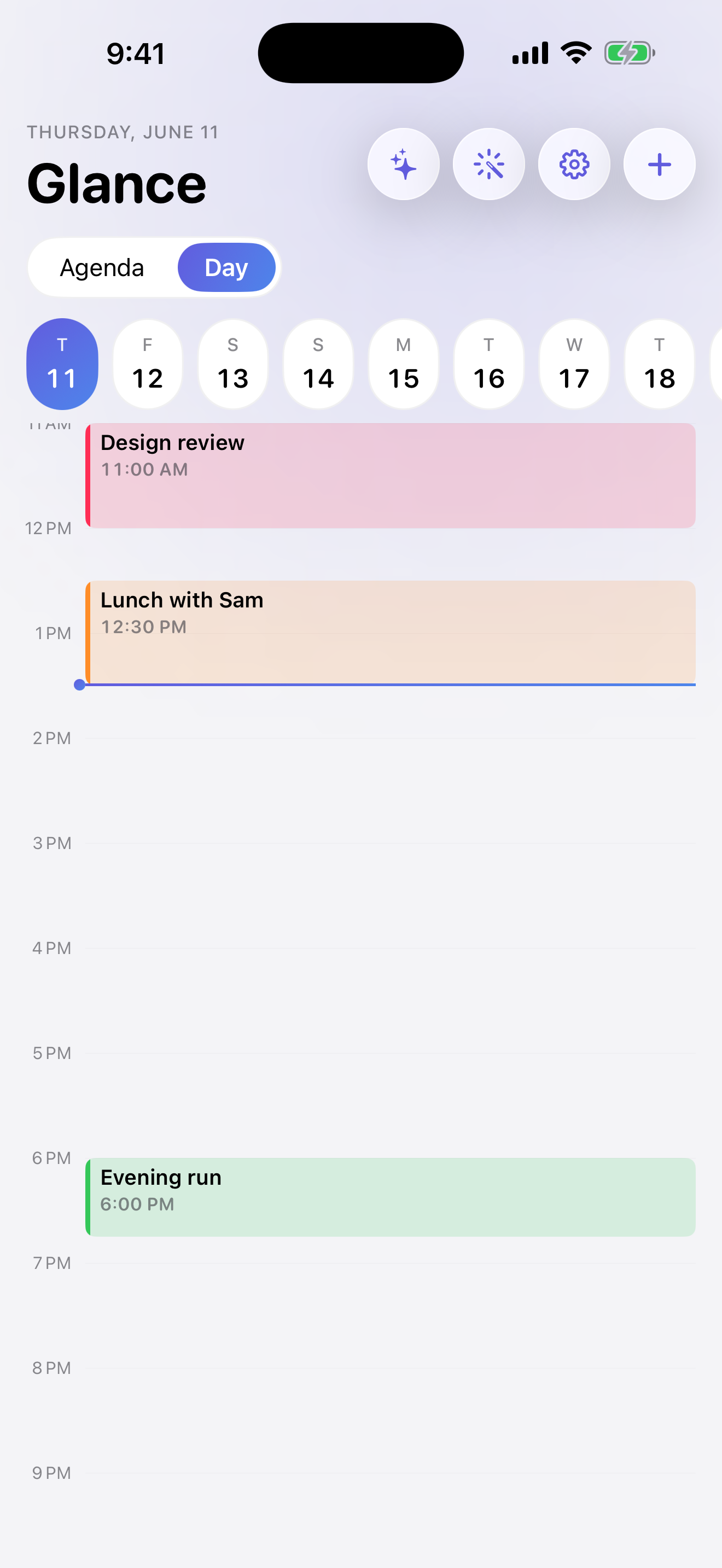
Switch to the day view when spacing matters. Events sit on a true timeline, making gaps, overlaps, and the weight of the day immediately legible.
True timelineWeek stripFast scanning
03 · Ask Glance
Talk to your calendar like a person.
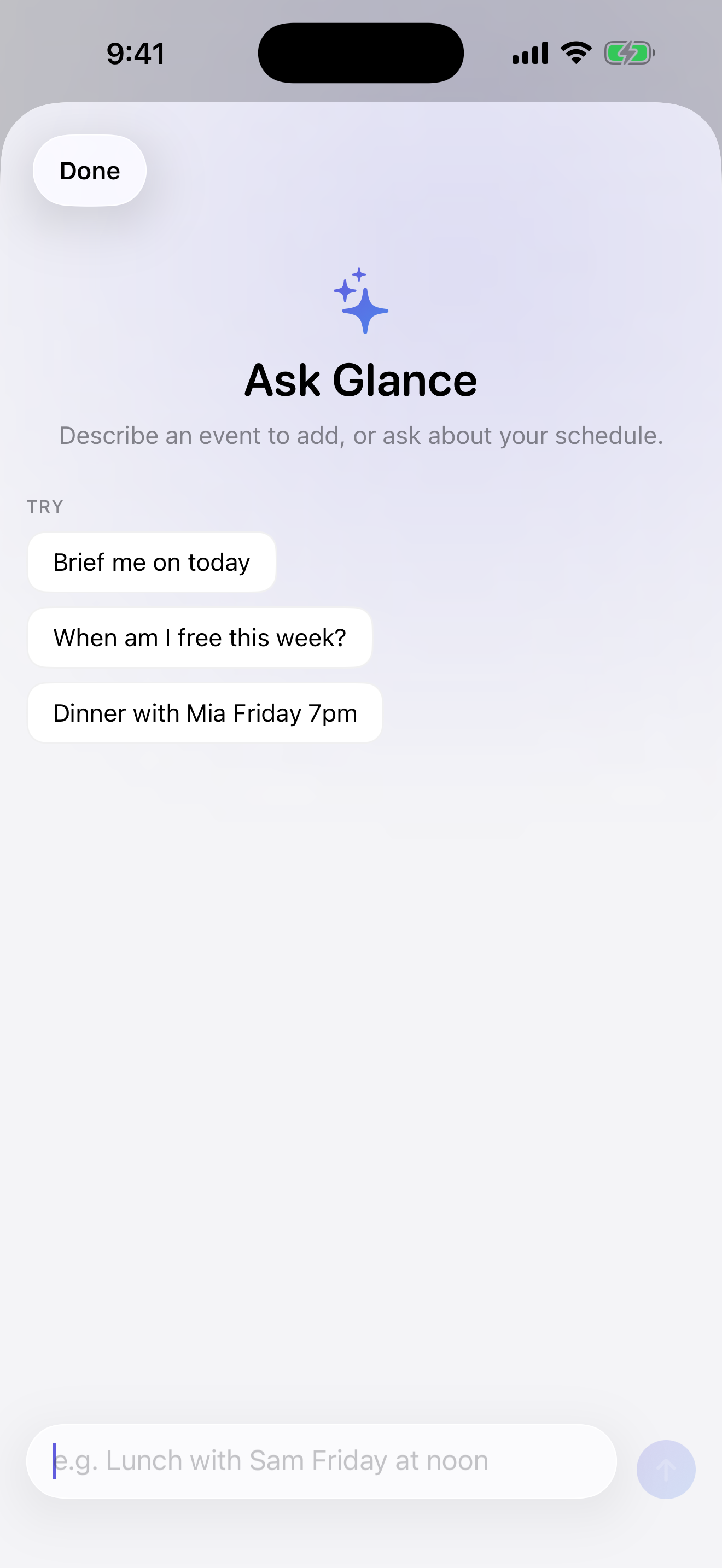
Ask for a briefing, find open time, or describe an event in natural language. The assistant works with the schedule already in front of you instead of making you rebuild it in a chatbot.
Natural languageSchedule briefingAvailability answers
04 · Plan my week
Turn goals into real calendar time.
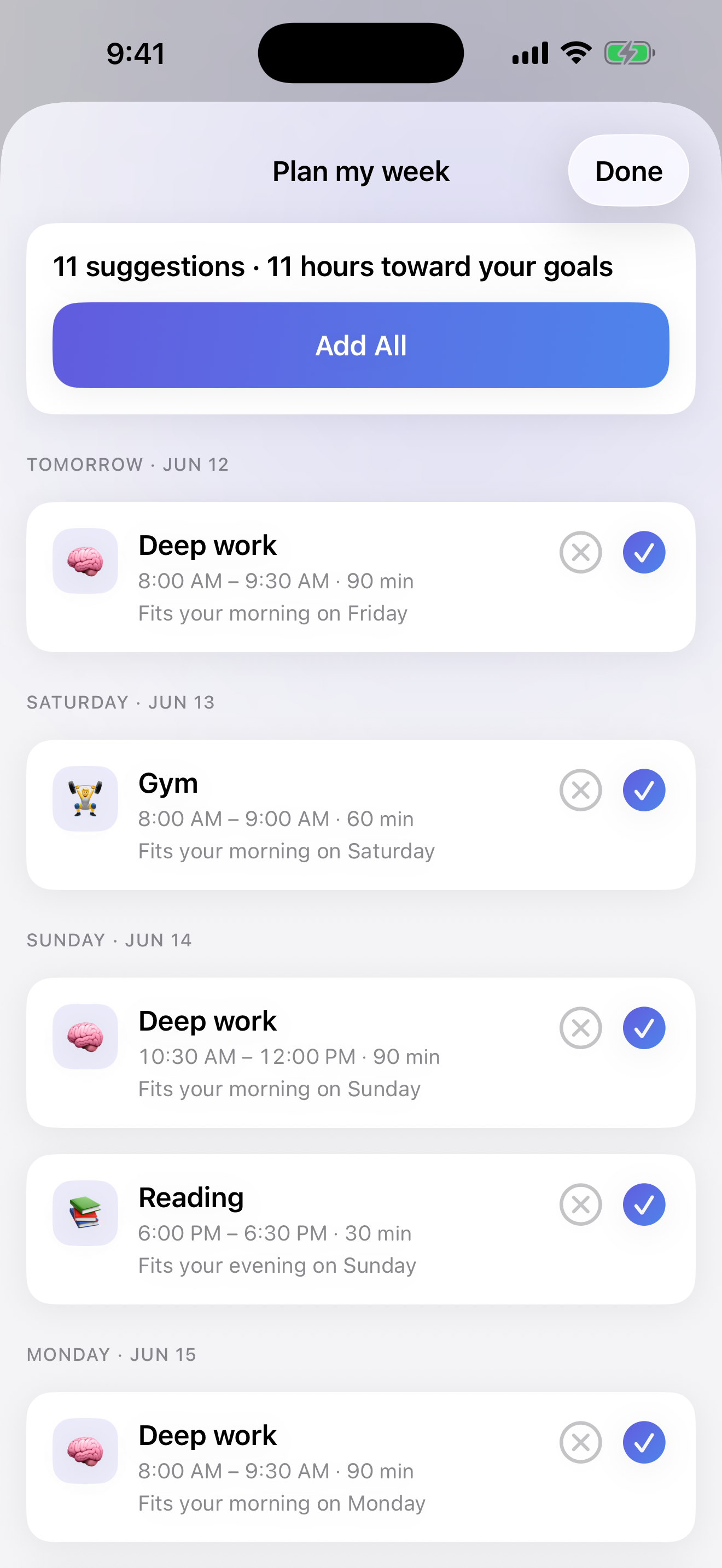
Glance suggests specific openings for deep work, exercise, reading, and other priorities. Review the plan, remove anything that does not fit, then add the rest in one move.
Goal-aware suggestionsOne-tap planningSchedule fit
05 · Insights
See the patterns behind the schedule.
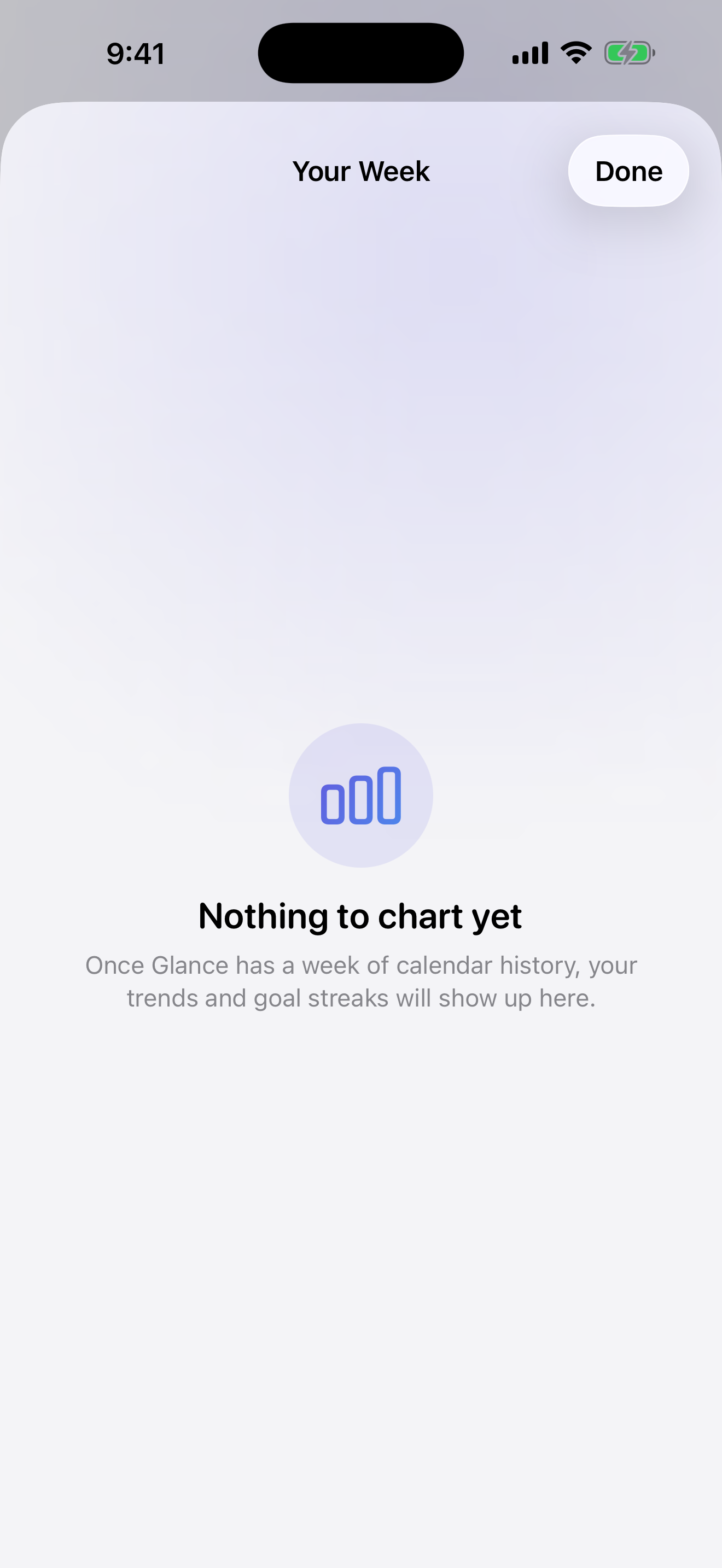
As calendar history grows, Glance turns weekly activity into useful trends and goal signals—helping the calendar become a system for reflection, not only storage.
Weekly trendsGoal signalsCalendar history